Give Zentrik the product knowledge it needs to interpret feedback and prepare work: what your product does, who uses it, and how you measure success.
Workspace context is the background your team and agents use. Keep original customer calls, tickets, and research in Discovery.
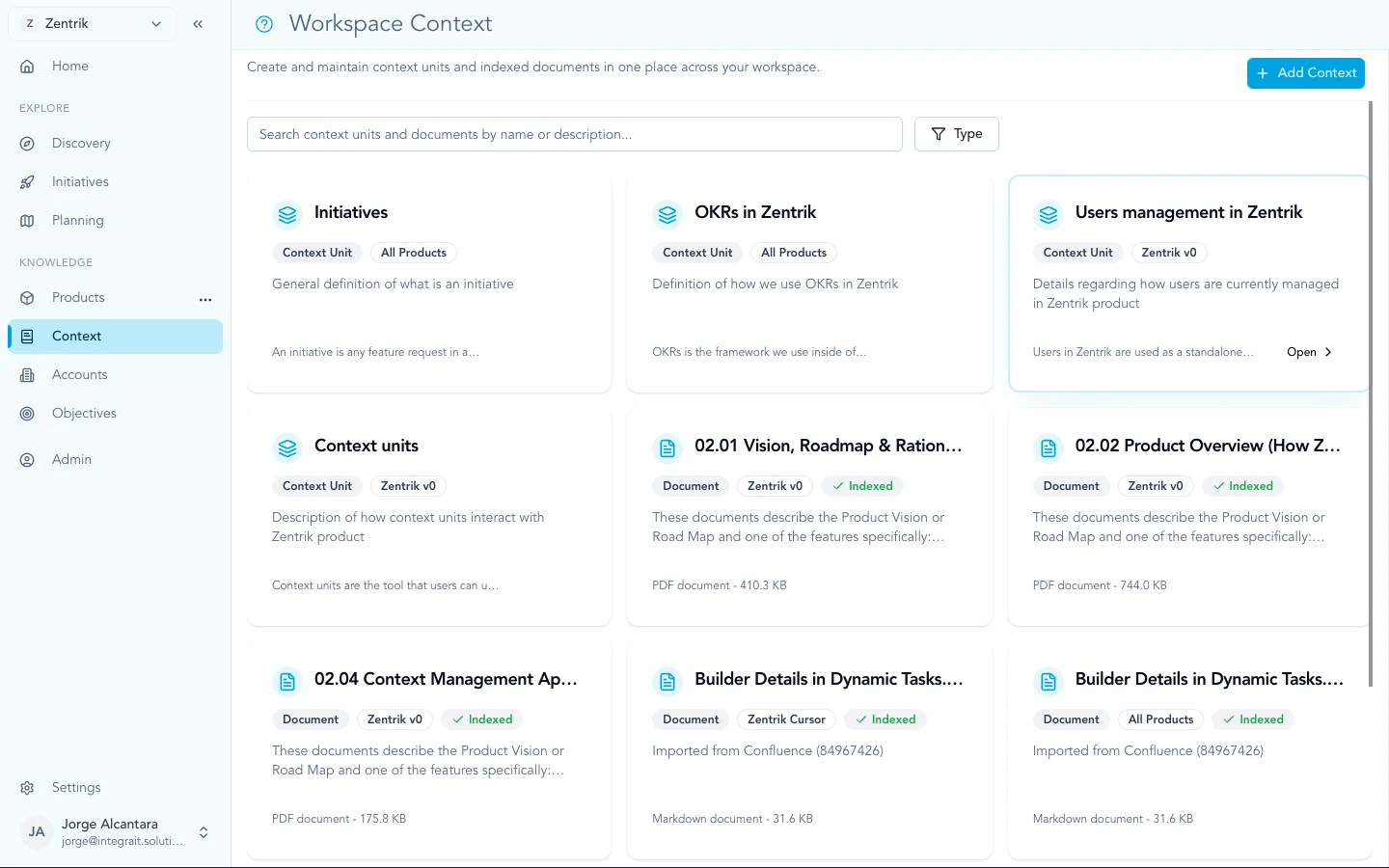
Workspace context combines narrative units and structured product records. Imports from connected tools add customer evidence as signals.
Background text and documents
Use flat context for free-form text and documents: company background, positioning, regulations, market notes, or decisions that need explanation. For example, describe why a product supports one market and excludes another.
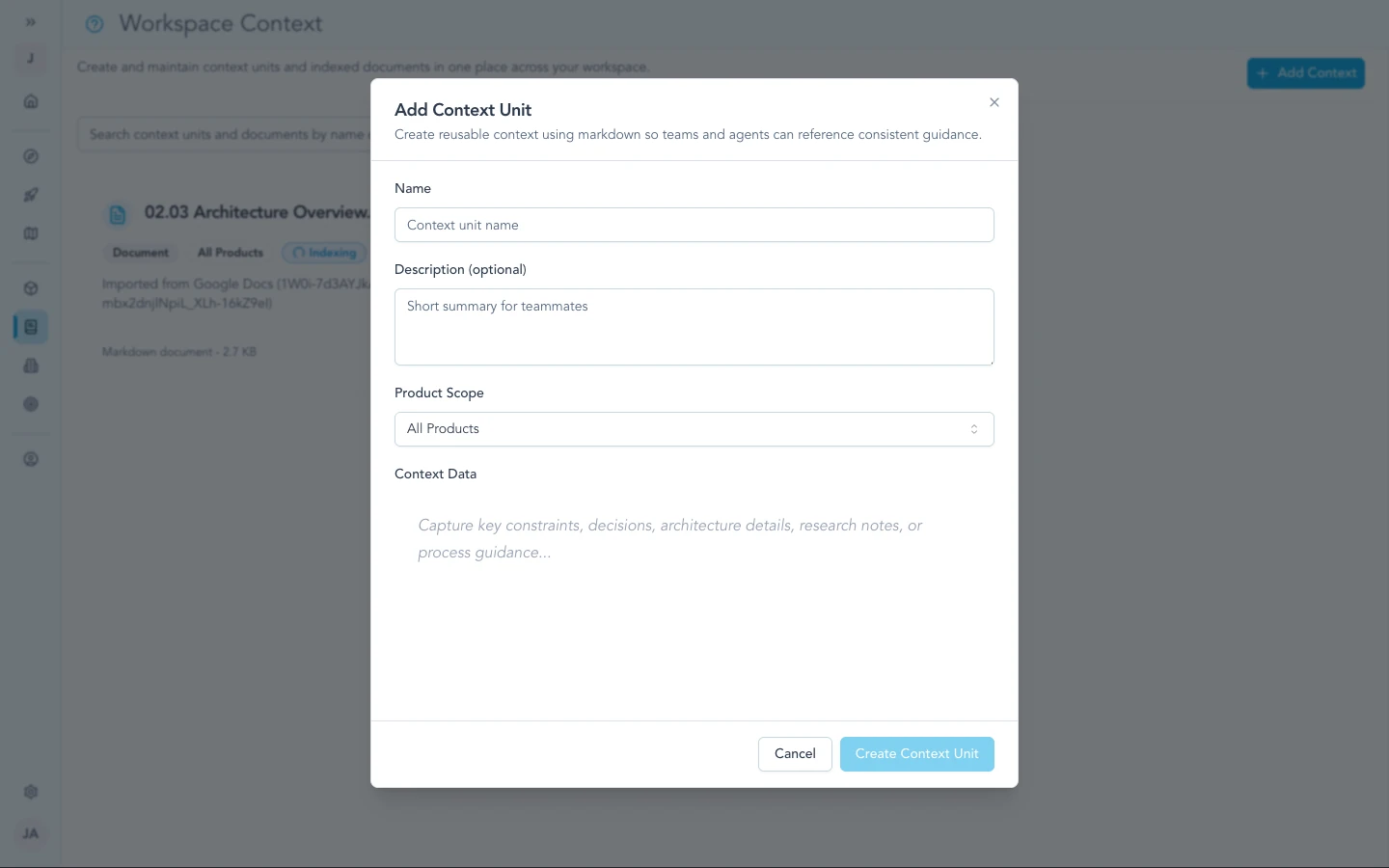
Flat context is for long-form or miscellaneous knowledge that does not belong in a single persona field or OKR line.
Products, users, goals, and features
Use named context for structured records:
| Record | Meaning |
|---|---|
| Product | The product your team builds |
| Persona | A type of user and their needs |
| Feature | A capability the product provides |
| OKR | An objective and the key results used to check progress |
| KPI | A metric used to track performance |
Keep names and definitions consistent with your team’s language.
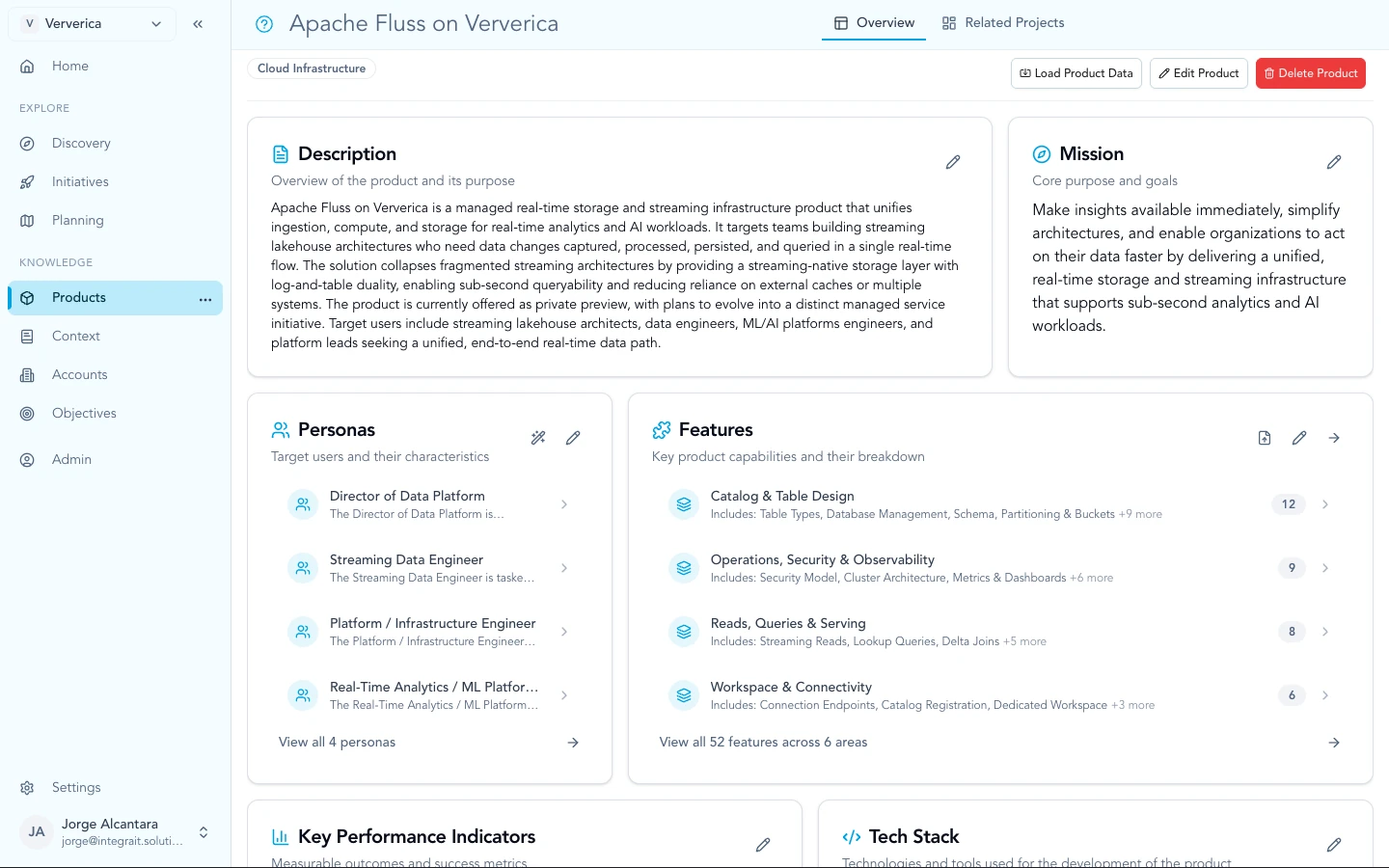
Named context includes products, OKRs, personas, KPIs, and features so Discovery and the roadmap match structured definitions.
Documents and imports
Import product documents such as PRDs, specifications, and decision logs through Google Drive or Confluence. Review the provider guide for how updates arrive.
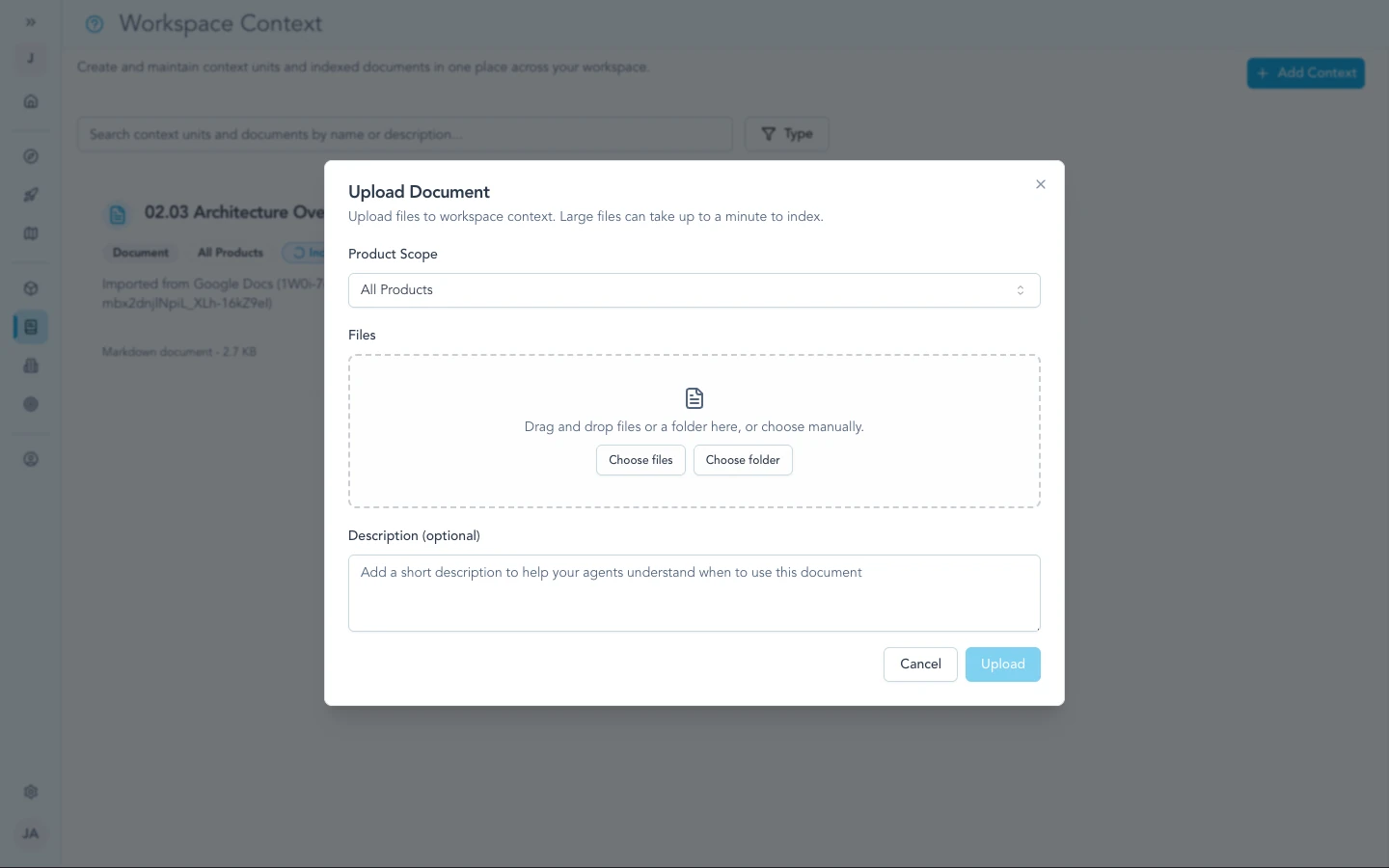
Upload files when the source of truth should live in the workspace alongside your other context.
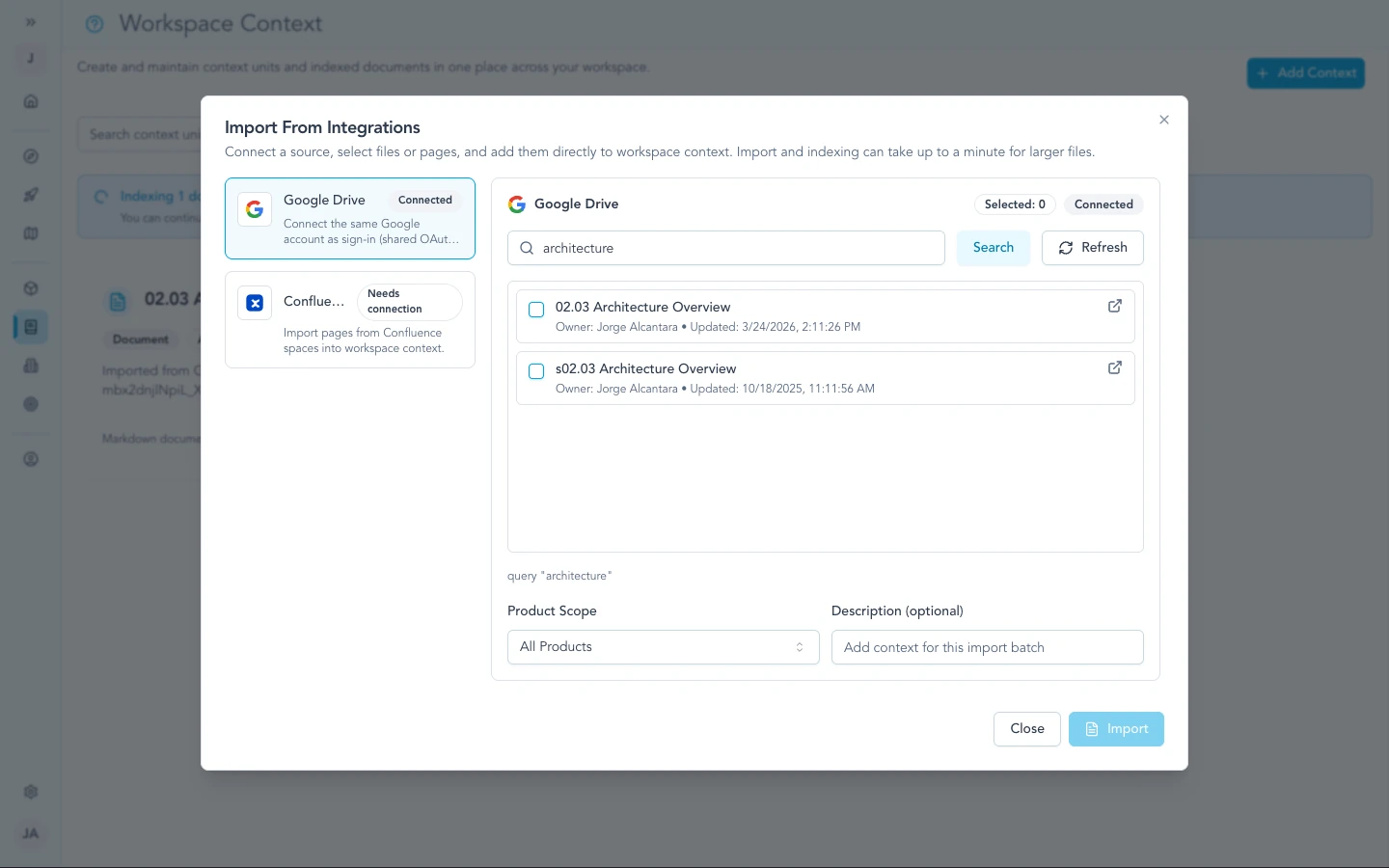
Google Docs import pulls living docs into context so specs and decisions stay current as authors edit in Drive.
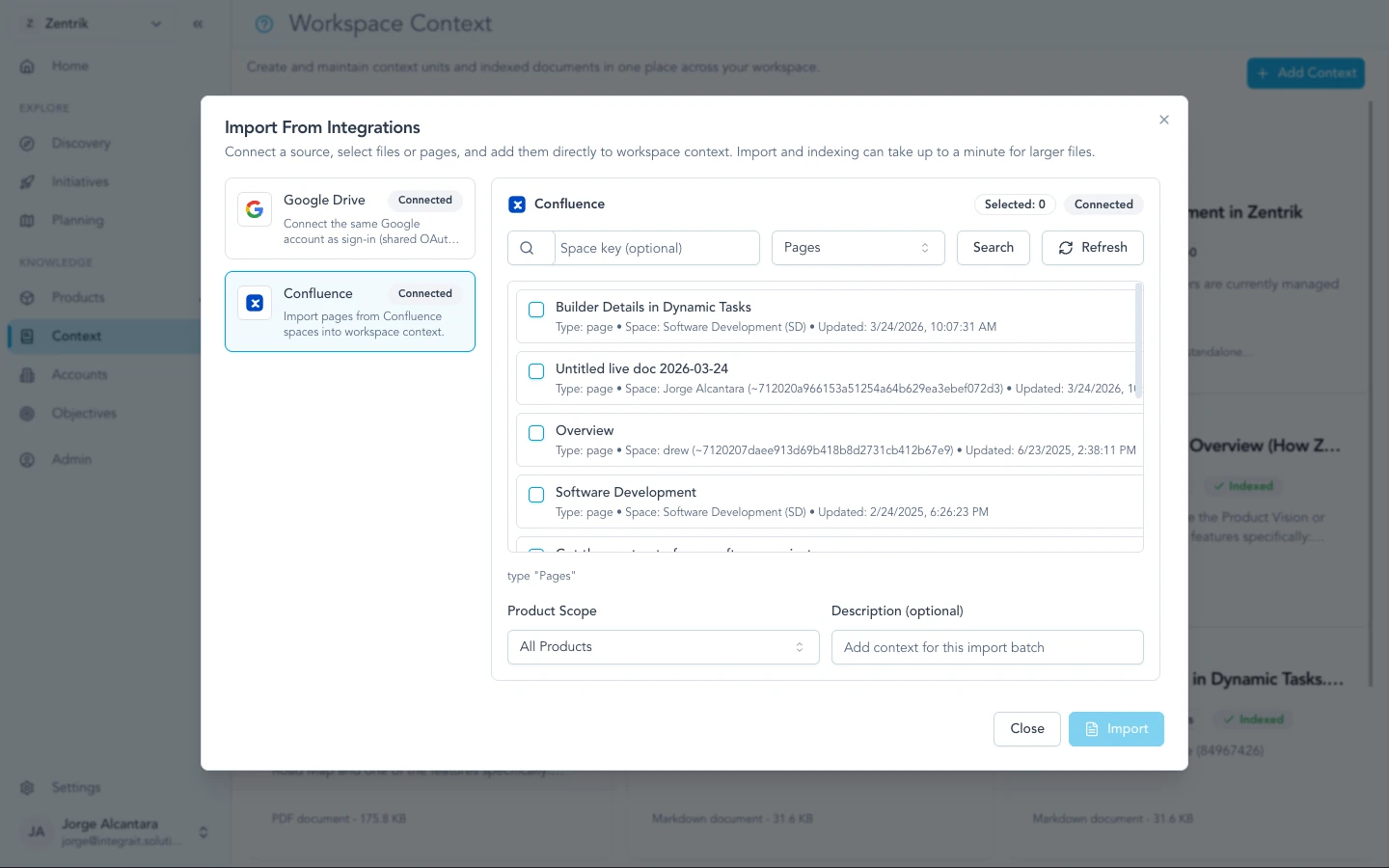
Confluence import brings in pages your team already uses for PRDs, decision logs, and runbooks.
Evidence and roadmap
Customer findings can inform opportunities, ideas, and initiatives. Product terms and workflow explains which record to use.
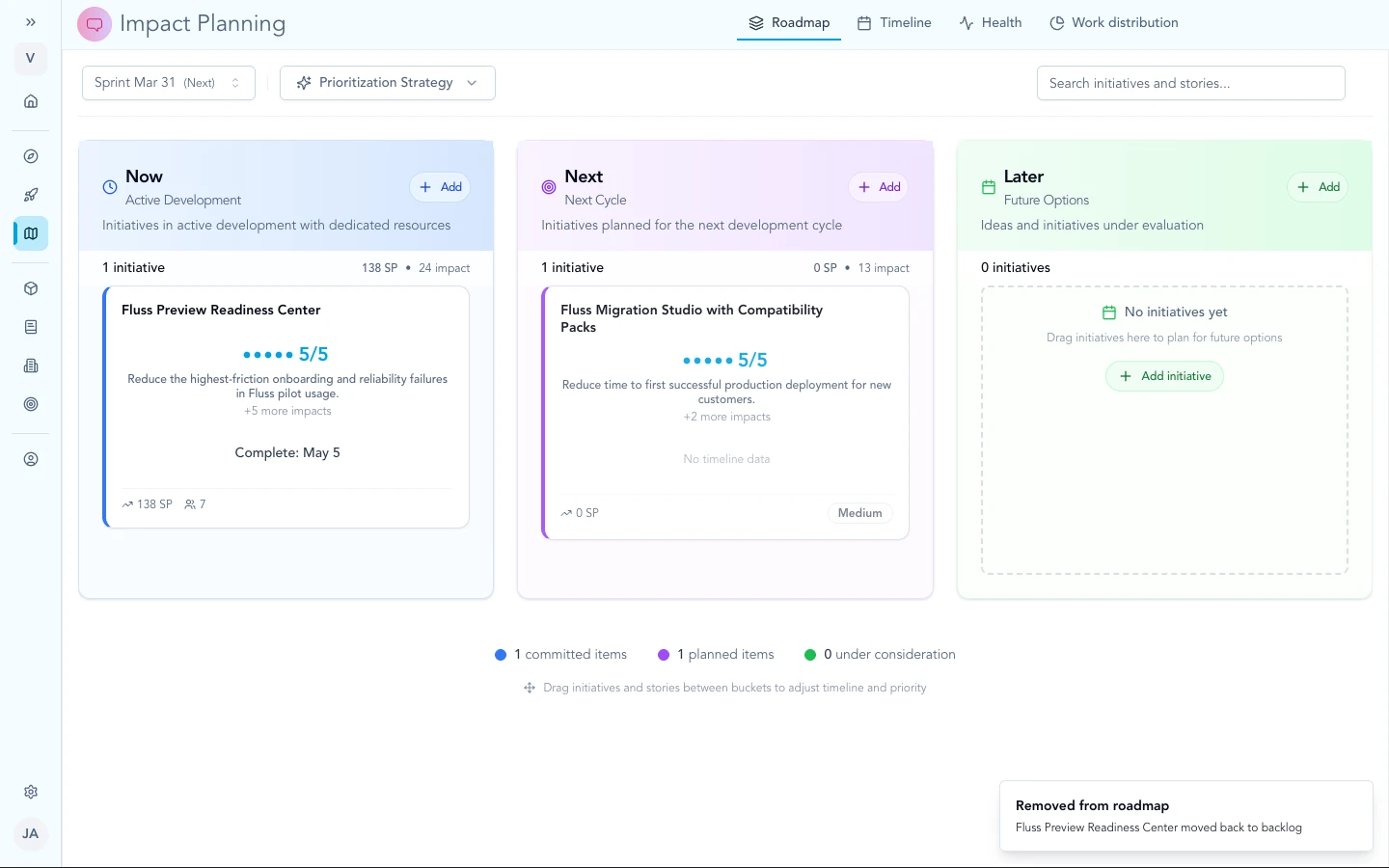
Initiatives on the roadmap sit in the same workspace as named product and goal context.
Troubleshooting
We have strategy in context but few customer quotes
Add Discovery imports or paste so extracted Evidence stays linked to its Signals. Keep building workspace context for how you define the product; use Discovery for what customers said.
Continue from here
Related guides
Did this guide answer your question?
Your response helps us prioritize missing or unclear documentation.
Still stuck?
Send your question to Zentrik support. This guide will be included automatically.