Generate Kiro Requirements from reviewed initiative context, then share the document through your delivery workflow.
Use Kiro Requirements from an initiative to package goals, constraints, and discovery links into a structured artifact your team can review, version, and export.
Use Vercel’s v0, Lovable, or Bolt when you want to explore UI; use Kiro when the next step is a crisp, testable spec.
How to run it
- Open the initiative and go to Documents.
- Start Kiro Requirements.
- Review the output for gaps, risks, and open questions.
- Save the document on the initiative so it versions with PRDs and other collateral.
- Share it with engineering through Git, Jira, or whatever your SDLC uses.
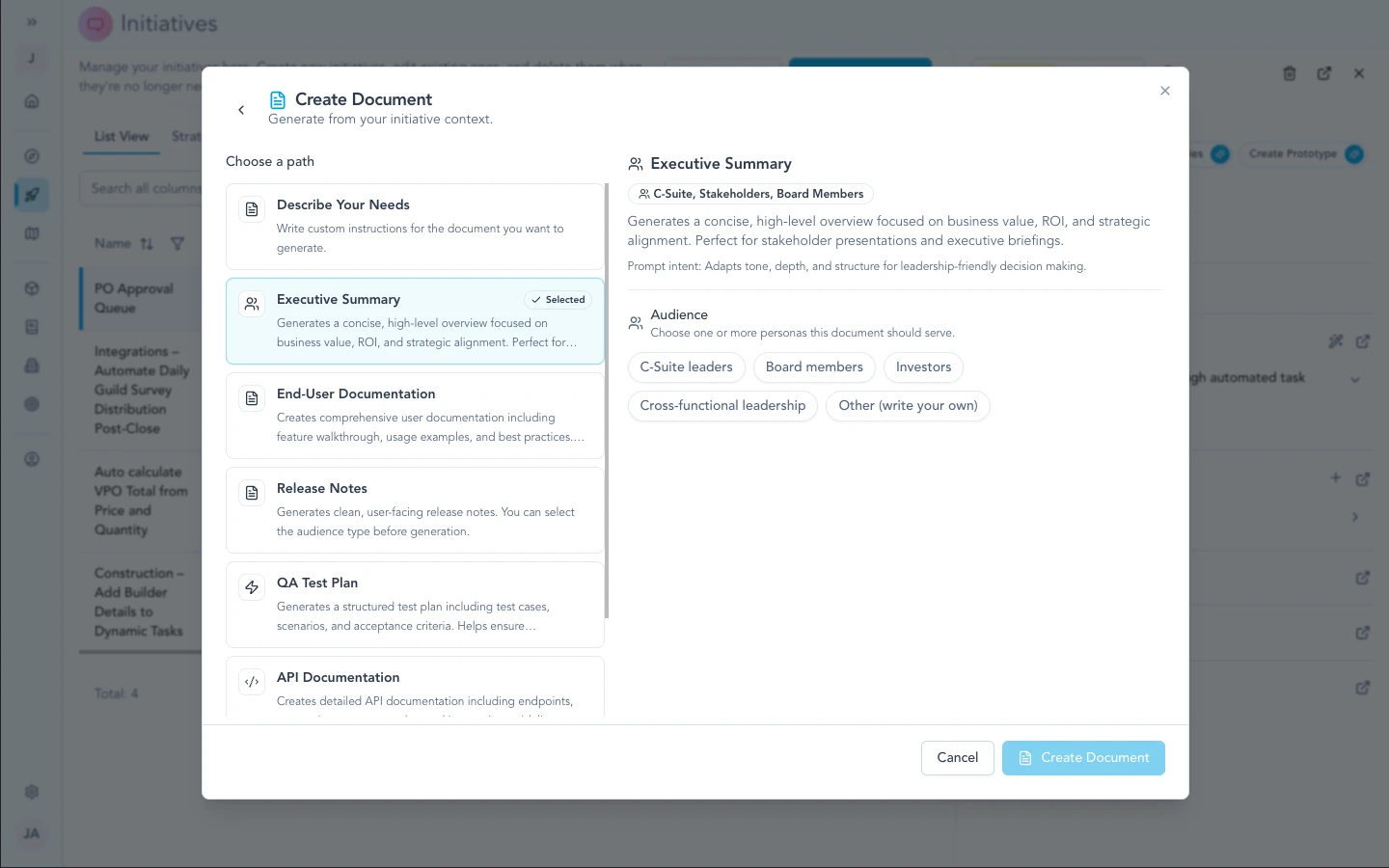
Kiro Requirements appears alongside other AI document templates—pick it when you need an implementation-ready spec generated from initiative context (contrast with visual prototype handoffs like Lovable or Vercel's v0).
Prototypes vs requirements
Prototype handoffs help you see options quickly. Kiro-style requirements help you define what to build and how you will know it is done. Many teams use both at different phases: explore visually early, lock the spec before you harden scope.
Security & admin
There is no separate “Kiro API key” slot in Zentrik for this path—generation runs inside your workspace’s document flows. Treat generated requirements like any other initiative artifact for access control and retention.
Troubleshooting
These steps cover Zentrik (prompts, pop-ups, generation). If the problem is inside Lovable, Bolt, or another external tool, use their support first.
Output feels thin or incomplete
Add requirements, discovery links, and constraints on the initiative, then generate again.
Issues inside Kiro
Kiro runs outside Zentrik. Use Kiro’s support for their product. Contact us if the export step from Zentrik fails.
Continue from here
Related guides
Did this guide answer your question?
Your response helps us prioritize missing or unclear documentation.
Still stuck?
Send your question to Zentrik support. This guide will be included automatically.